How Can We Help?
Search for answers or browse our knowledge base.
Secondary Records
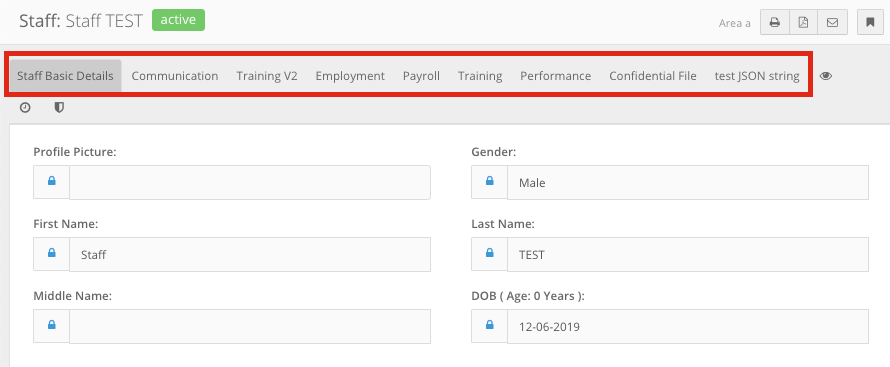
Secondary Records (ID) can only exist under an already existing primary record. These records can be located within the tabs displayed after opening the primary record.
Creating Secondary Records
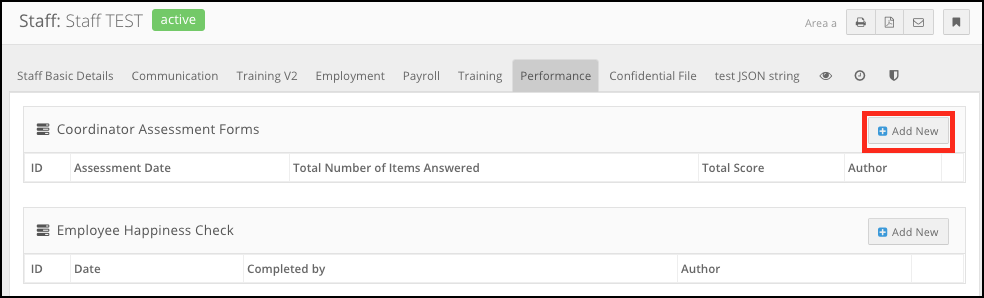
- Navigate to the primary record you want to create a record within (e.g. “Staff > John Smith > Performance”).
- Click the Add Record button located immediately above and to the right of the record list (e.g. “Add New”).
- Fill in the form and click Save & Back or Save & View.